Door-to-Door
Enter exact addresses, hotels, venues or businesses as the route.
 BEST BOSTONCAR SERVICE
Prearrange a sedan or SUV for a defined pickup and destination, with route mileage, timing and capacity handled before reservation.
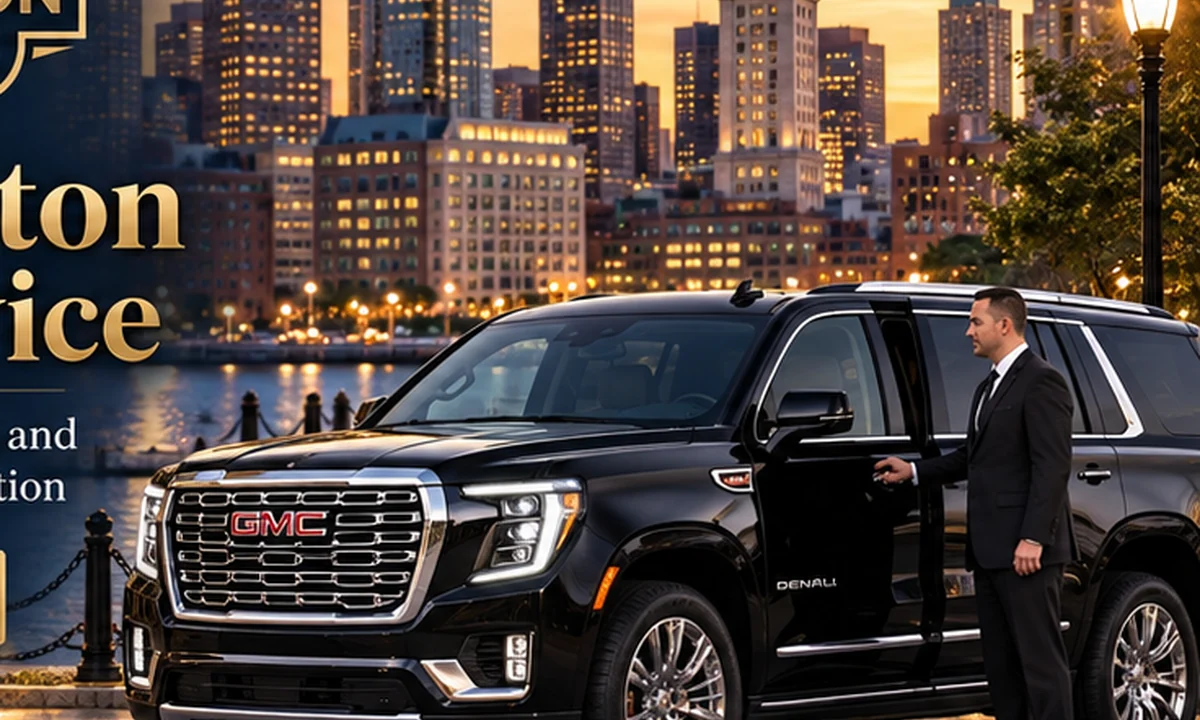
Point-to-point service is the simplest form of private chauffeur transportation: one planned pickup, one defined destination and a vehicle selected around the people and luggage traveling.
It is ideal for hotel transfers, dinners, meetings, residences, medical appointments, private visits and any journey where you want the car reserved before you step outside.
Enter exact addresses, hotels, venues or businesses as the route.
The site calculates road mileage and estimated drive time before vehicle selection.
Insert waypoints when the journey includes a planned stop.
Passenger and luggage limits are enforced automatically.
The booking flow geocodes the pickup and destination, then calculates the driving route. That route estimate is used by the pricing engine and displayed in the reservation summary.
If your party size changes the vehicle requirement, the capacity logic prevents an unsuitable sedan from being selected.
Need to collect a colleague, pick up a family member or stop at a hotel before the final destination? Add waypoint fields directly in the route step.
For a day with many uncertain stops, switch to Hourly instead so the structure better matches the itinerary.
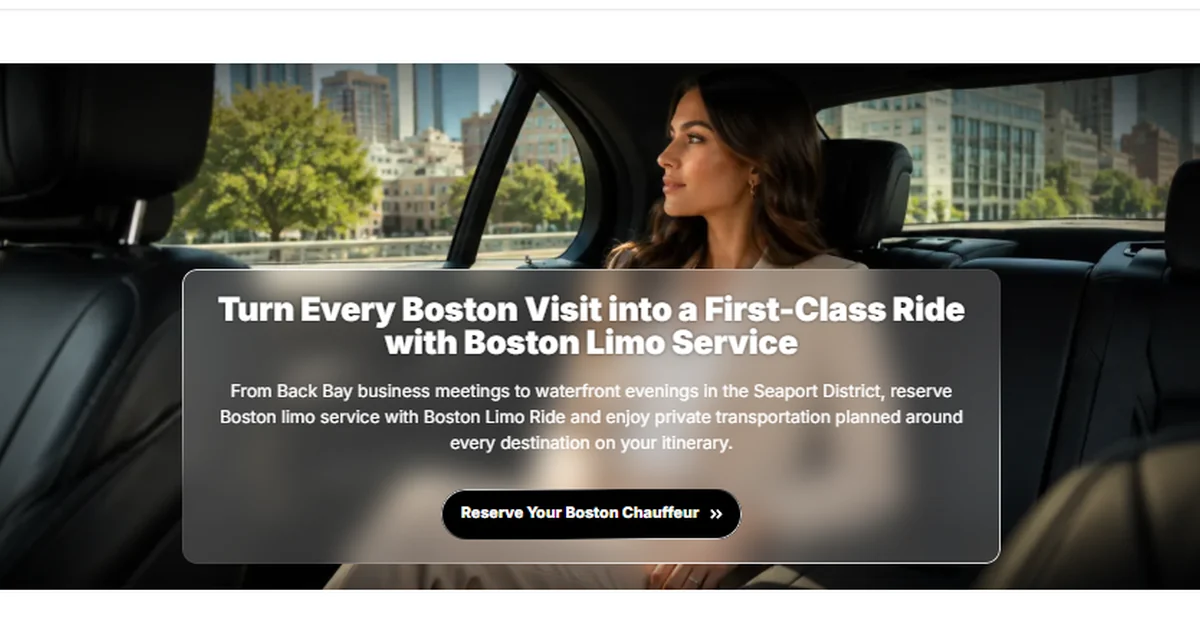
Point-to-point transportation works just as well for a quiet executive transfer as it does for a private evening or family journey.
Book for yourself or choose the delegated option when another passenger will actually take the ride.
Answers to the questions most relevant to this service. Need something different? Call +1 (617) 637-8555.
Yes. Use the Add Stop control in the route step before selecting the vehicle.
The backend recalculates the road distance and applies the configured base, mileage and minimum rules for the selected vehicle class.
Yes. Choose Round Trip to add the return date and time.
Yes. Booker and passenger details can be stored separately.
Enter your route, choose the right vehicle and send your reservation from any device.